![Logo White.png]](https://knowledge-base.zumrails.com/hs-fs/hubfs/Logo%20White.png?height=40&name=Logo%20White.png)
- The insights product must be enabled on your account
- The user must have successfully gone through aggregation
Viewing Insights through the portal
To view insights about a user, complete the following steps.
1. Log in to your portal
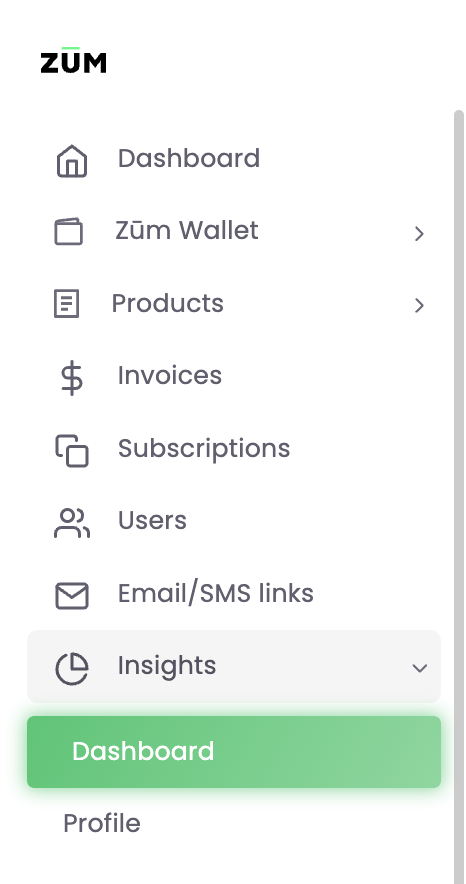
2. Go to Insights > Dashboards
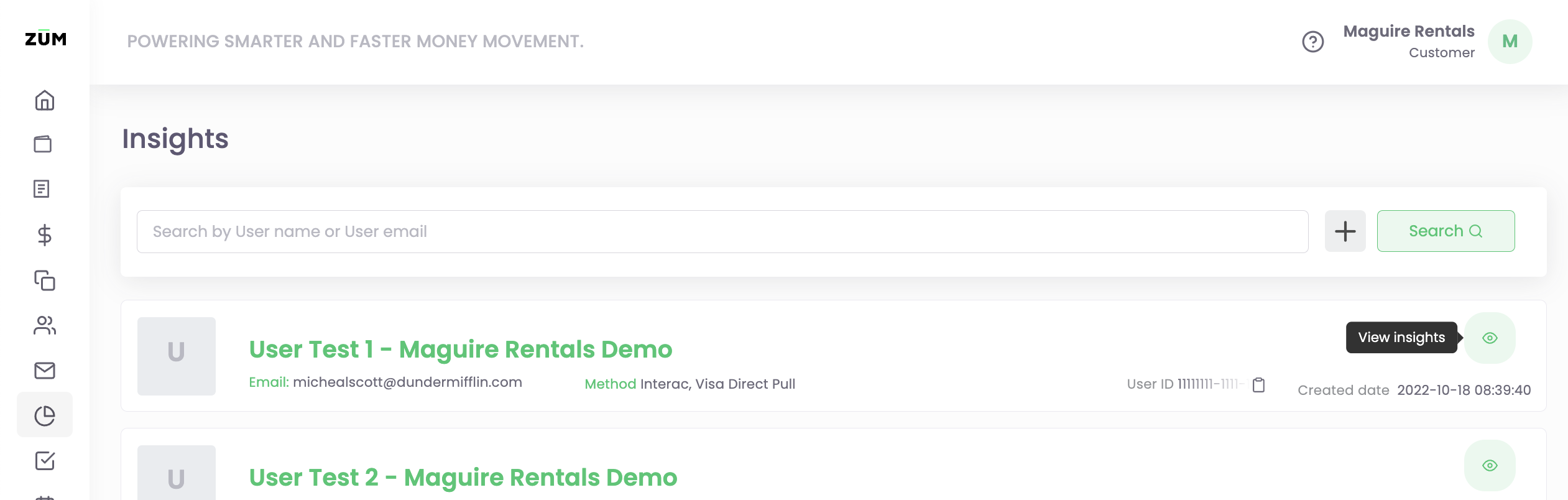
3. Click on the view insights icon
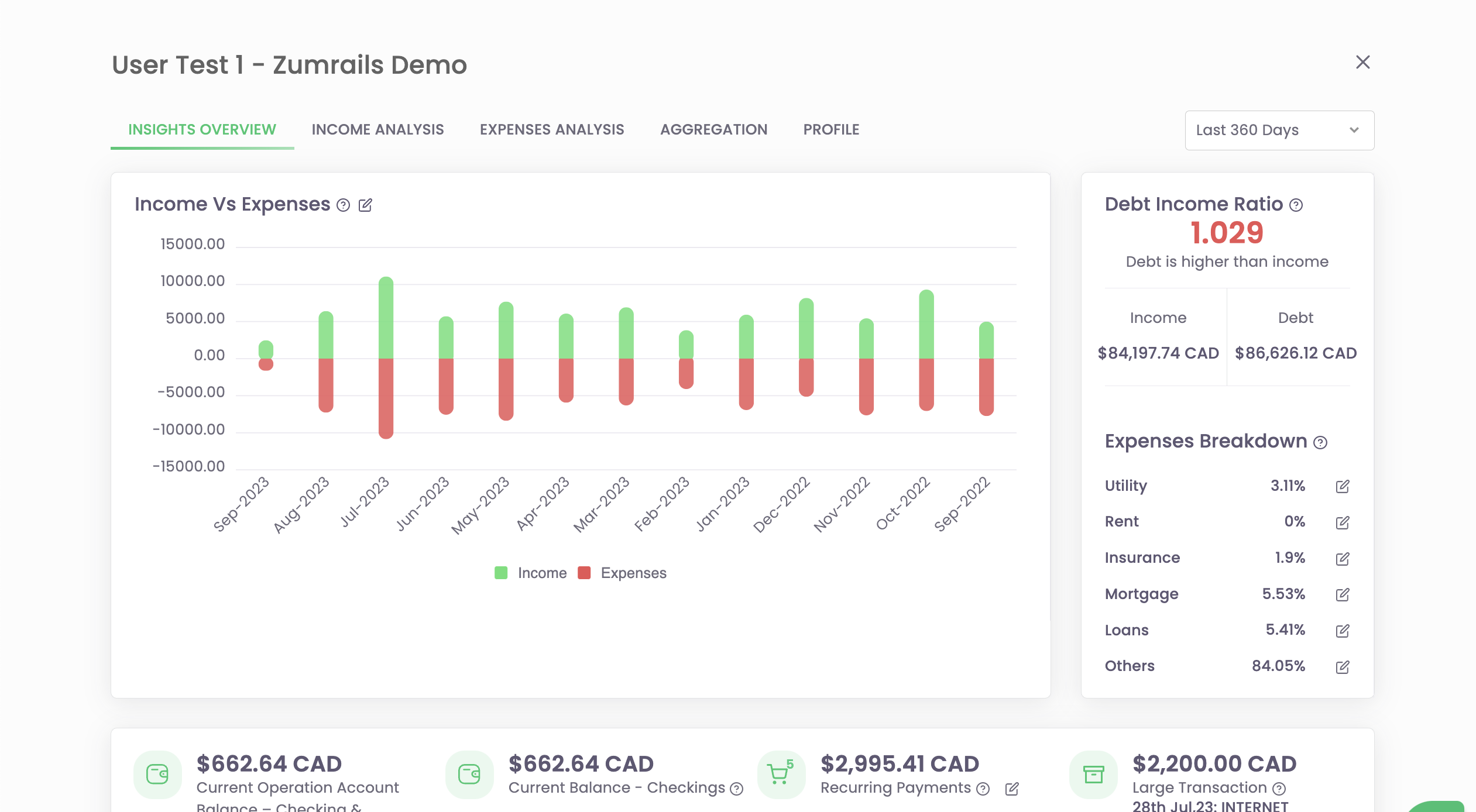
4. Use the horizontal menu to see the available insights